
midas
A workspace where AI agents do the coding and a person steers them, often
from a phone. One page shows every session: start one with a message, follow
what it does, answer when it asks, say whether its branch lands. Under the
page, midas lends the agents build nodes: contained checkouts on your own
machines, kept warm, one session at a time over plain ssh.
One Rust binary, midas, is the hub, each node and the agents' CLI. It
assumes Claude Code as the agent, a Linux machine for the hub, and WireGuard
between the machines.
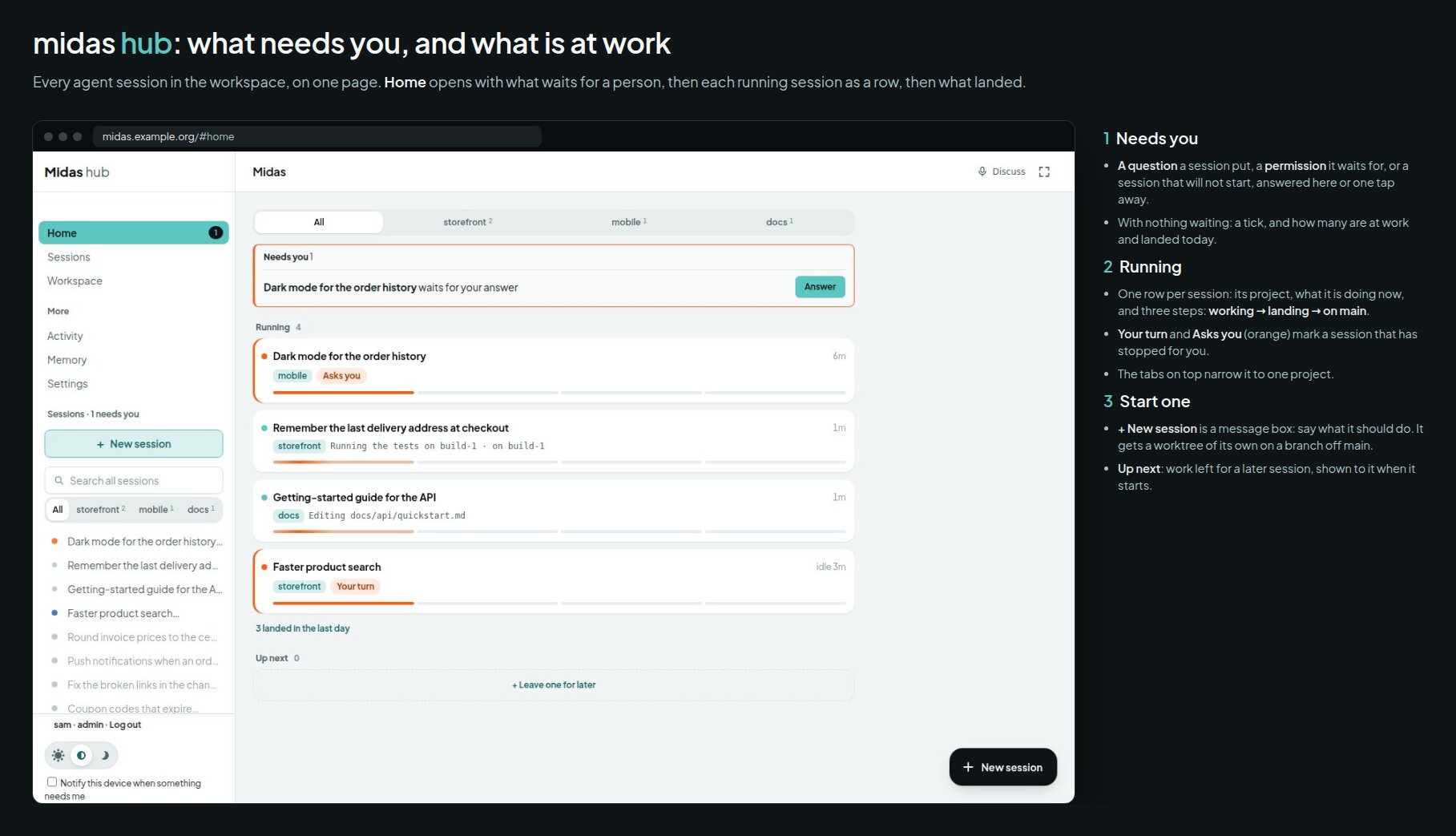
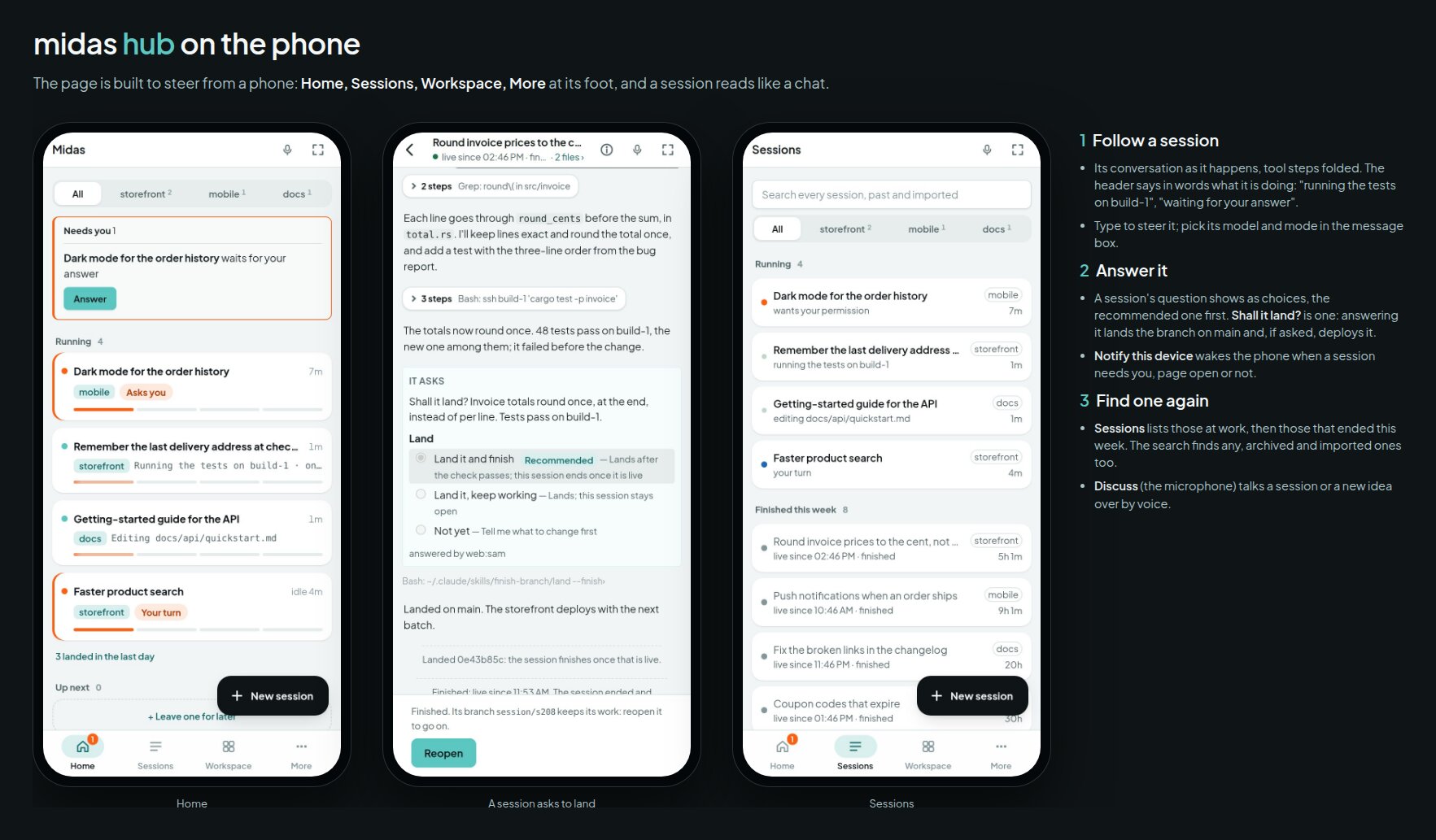
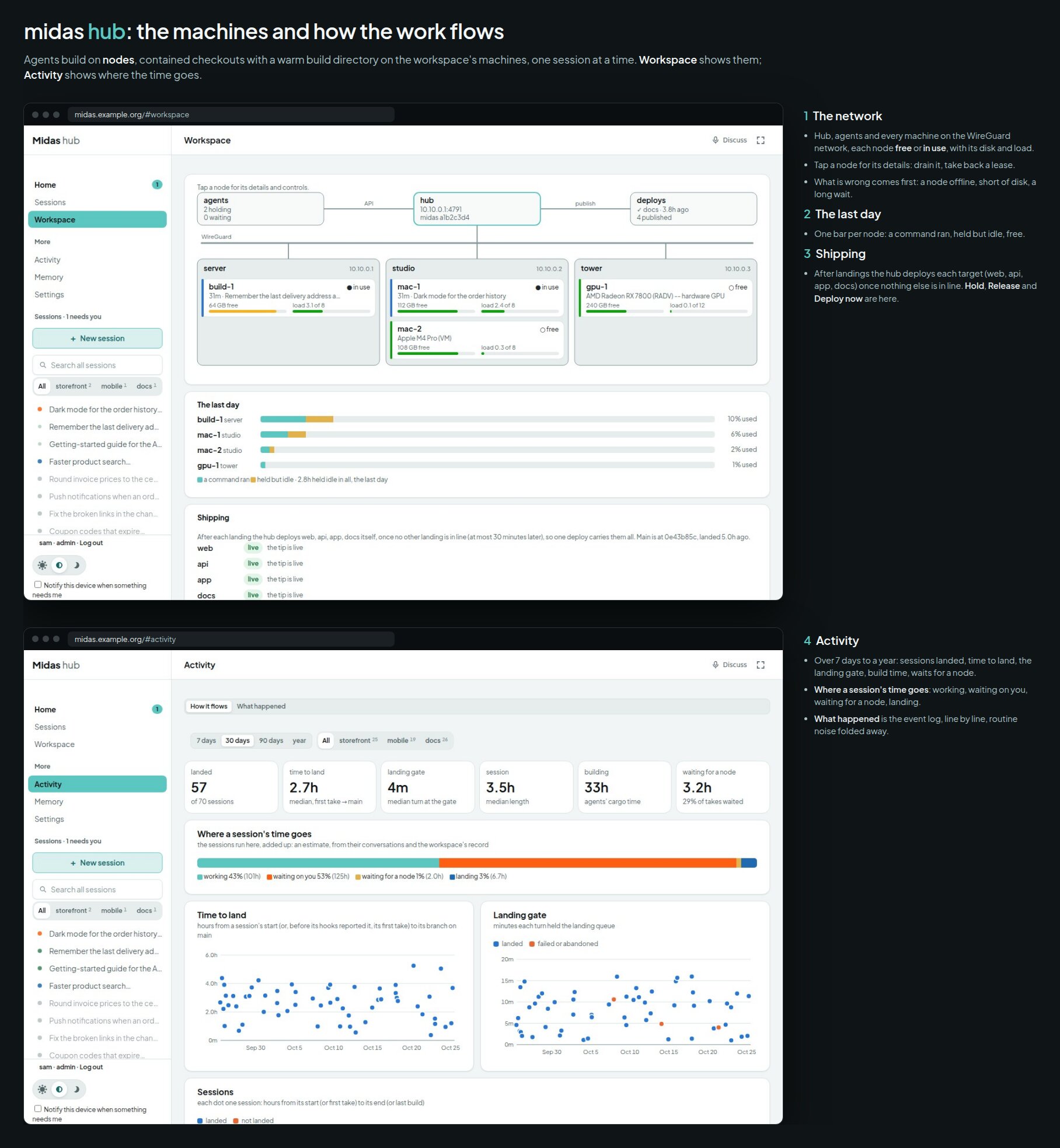
The workspace in the pictures is made up (docs/screens/); the page is the real one.
Using it
On the page:
- + New session: say what to do. The session gets a folder, adds the projects it needs as worktrees, and starts working.
- Home shows each session as working, asking you (orange), or idle. Only asking waits for you.
- Answer Land it: the branch is checked on a node, put on main, and deployed.
- Workspace when something is stuck: a node offline, a long wait, a deploy held.
Inside a session, the agent uses the CLI (its session hook explains this
at start; the skills commit, finish-branch and handover do the rest):
midas run -- cargo test        # a node for one command; it follows this worktree
midas take                     # or hold one for longer; ssh <node> 'cargo test' builds there
midas release                  # give it back (automatic after 30 idle minutes)
midas who                      # the other sessions, and the files each changes
midas say <session> "…"        # leave one a note
midas ask "…" --option A --option B   # put a decision to the person
midas status                   # who holds what, the queue, who is landing
Setting it up
You need a Linux machine for the hub (systemd, a git server it can reach, a reverse proxy with TLS in front of the page), WireGuard between the machines, and on each build machine Podman (Linux) or macOS. Building needs Rust and Bun:
(cd web && bun install --frozen-lockfile && bun run build)   # the page, embedded by build.rs
cargo build --release
- Setting up the hub: once, on the machine that runs it.
- Setting up a node: on each build machine, by its owner; or a Mac.
- Using midas: nodes, bots, landing, deploying, working beside other sessions.
Working on midas has the build, the tests, the code map and the security line the code keeps; DESIGN.md says why it is built this way.
License
MIT or Apache-2.0, at your option (LICENSE-MIT, LICENSE-APACHE).